
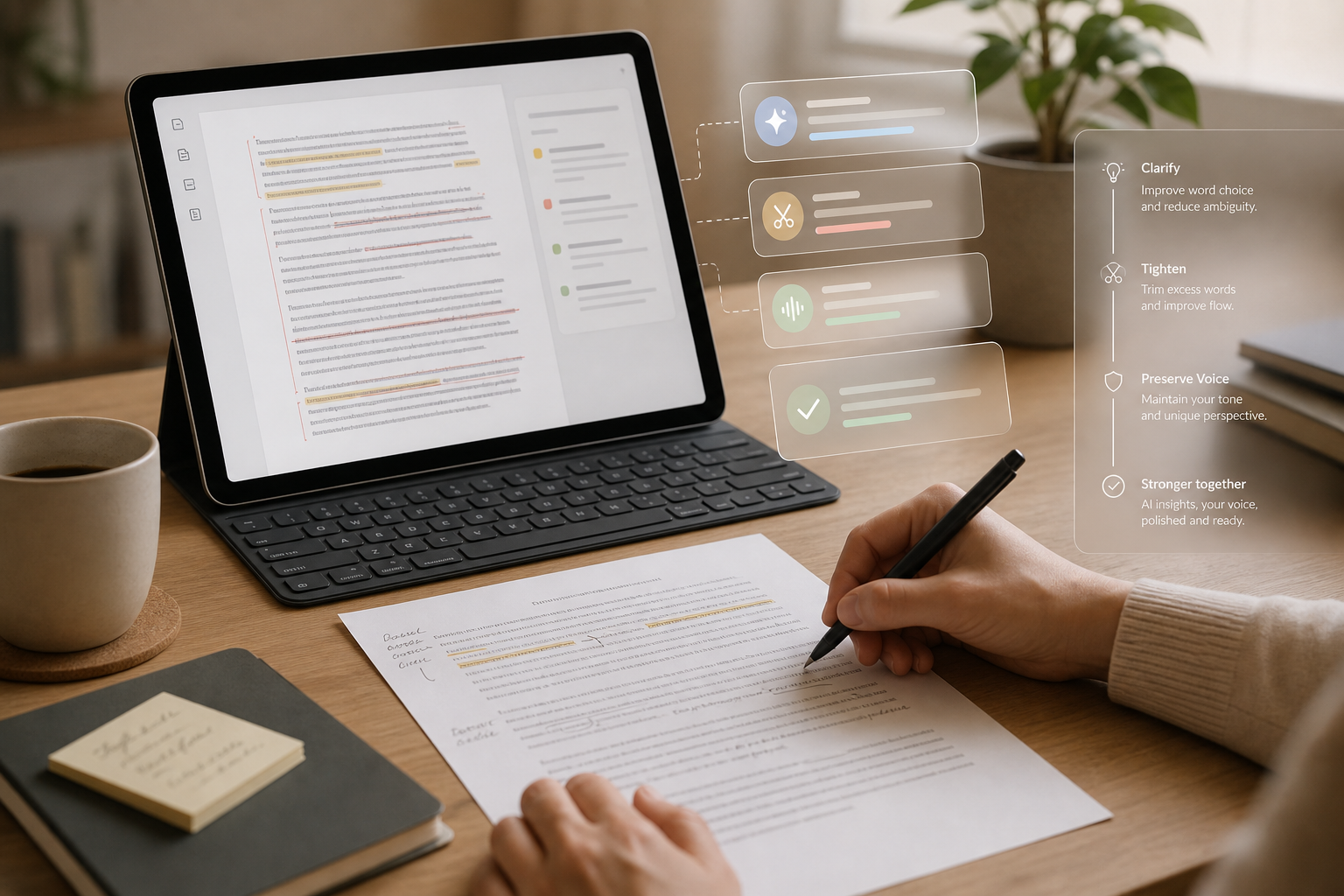
The lesson explains how AI can help tighten a draft by identifying weak, vague, redundant, or fluffy sentences and suggesting clearer alternatives. It emphasizes reviewing the reasoning behind edits so writers can improve clarity without losing meaning.
It also advises protecting voice by setting tone constraints and treating AI output as a draft. The post ends with a simple workflow for drafting, reviewing, trimming, and doing a final read-through.
Lesson 6: Tightening Your Copy with AI Feedback
Once you have a solid draft, AI can act like a friendly editor who never gets tired. In this lesson, you’ll learn how to use AI tools to spot weak sentences, redundancy, and fluff—and how to apply that feedback without losing your unique voice. Lesson 6: Tightening Your Copy with AI Feedback will guide you through leveraging these techniques effectively.

1. Use AI to Find Weak or Confusing Sentences
If you want to improve your writing, try tightening your copy with AI feedback just as described in Lesson 6. Weak sentences are often vague, overly complex, or stuffed with filler phrases (“in order to,” “really,” “very,” etc.). AI can quickly highlight where readers might get lost or bored.
Try prompts like:
- “Here is my paragraph. Point out any sentences that feel weak, vague, or confusing. Explain why.”
- “Identify any phrases I could simplify or cut without losing meaning.”
- “Highlight jargon or buzzwords and suggest clearer alternatives.”
Ask the AI to explain its suggestions, not just rewrite for you. This trains your eye to spot issues on your own over time.
2. Catch Redundancy and Fluff
When catching redundancy and fluff, the approach from Lesson 6 on tightening your copy with detailed AI feedback is especially useful. Redundancy happens when you repeat the same idea in slightly different ways. Fluff is anything that sounds nice but doesn’t add real value. Both make your content feel longer and slower than it needs to be.
Use prompts such as:
- “Review this section and show me where I’m repeating myself. Suggest what I can delete or combine.”
- “Shorten this to 50% of the length while keeping the same key points and tone.”
- “Point out any sentences that are mostly filler or don’t move the idea forward.”
After you get suggestions, you don’t have to accept every cut. Use AI as a second set of eyes, then decide what truly serves your reader.
3. Example: Before and After with AI Feedback
Before (draft):
“In today’s fast-paced digital world, it’s really more important than ever to consistently create content on a regular basis so that you can build a strong and engaged audience that actually wants to hear from you all the time.”
Prompt to AI: “Please tighten this sentence for clarity and impact. Remove filler words and keep a friendly, encouraging tone.”
AI suggestion (after):
“In today’s digital world, consistently creating content helps you build an engaged audience that wants to hear from you.”
For reference, Lesson 6 tightening your copy with smart AI feedback allowed the writer to cut repetition (“on a regular basis”), filler (“really,” “actually,” “all the time”), and buzzwords (“fast-paced” wasn’t necessary). The result is shorter and clearer, while the friendly tone remains.
4. Keep AI from Overwriting Your Voice
To make the most of Lesson 6’s tightening your copy process with expert AI feedback, set clear boundaries for tone and style. One risk of using AI editors is ending up with copy that sounds generic. To prevent that, give the AI constraints and treat its output as a draft, not a final version.
Helpful prompts:
- “Edit this for clarity and concision, but keep my casual, conversational style. Don’t remove my personal examples or humor.”
- “Offer 2–3 alternative phrasings for each weak sentence instead of rewriting the whole paragraph.”
- “Show me what you changed and explain why, so I can decide what to keep.”
After you receive suggestions, read them out loud. If a phrase doesn’t sound like something you’d naturally say, tweak it. Let AI do the heavy lifting of trimming and clarifying, while you make the final call on wording and tone.
5. Build a Simple Editing Workflow
You don’t need a complex system to benefit from the AI feedback method outlined in Lesson 6 for tightening your copy. Here’s a basic workflow you can reuse for blog posts, scripts, or emails:
- Step 1: Draft freely without worrying about perfection.
- Step 2: Ask AI to highlight weak, confusing, or redundant sentences.
- Step 3: Request tightened versions of those specific lines.
- Step 4: Choose or tweak the suggestions that still sound like you.
- Step 5: Do a final read-through to check flow, voice, and any last adjustments.
Key Takeaways
- AI can quickly flag weak, vague, or confusing sentences, but you should always review the reasoning behind changes. Lesson 6: Tightening Your Copy with AI Feedback offers a structured approach that makes editing feel more collaborative and effective.
- Use AI to spot redundancy and fluff, then decide which cuts actually make your message clearer.
- Protect your voice by giving clear instructions about tone and treating AI suggestions as options, not rules.
- A simple, repeatable workflow turns AI into a reliable editing partner for all your content.


Leave a Reply