
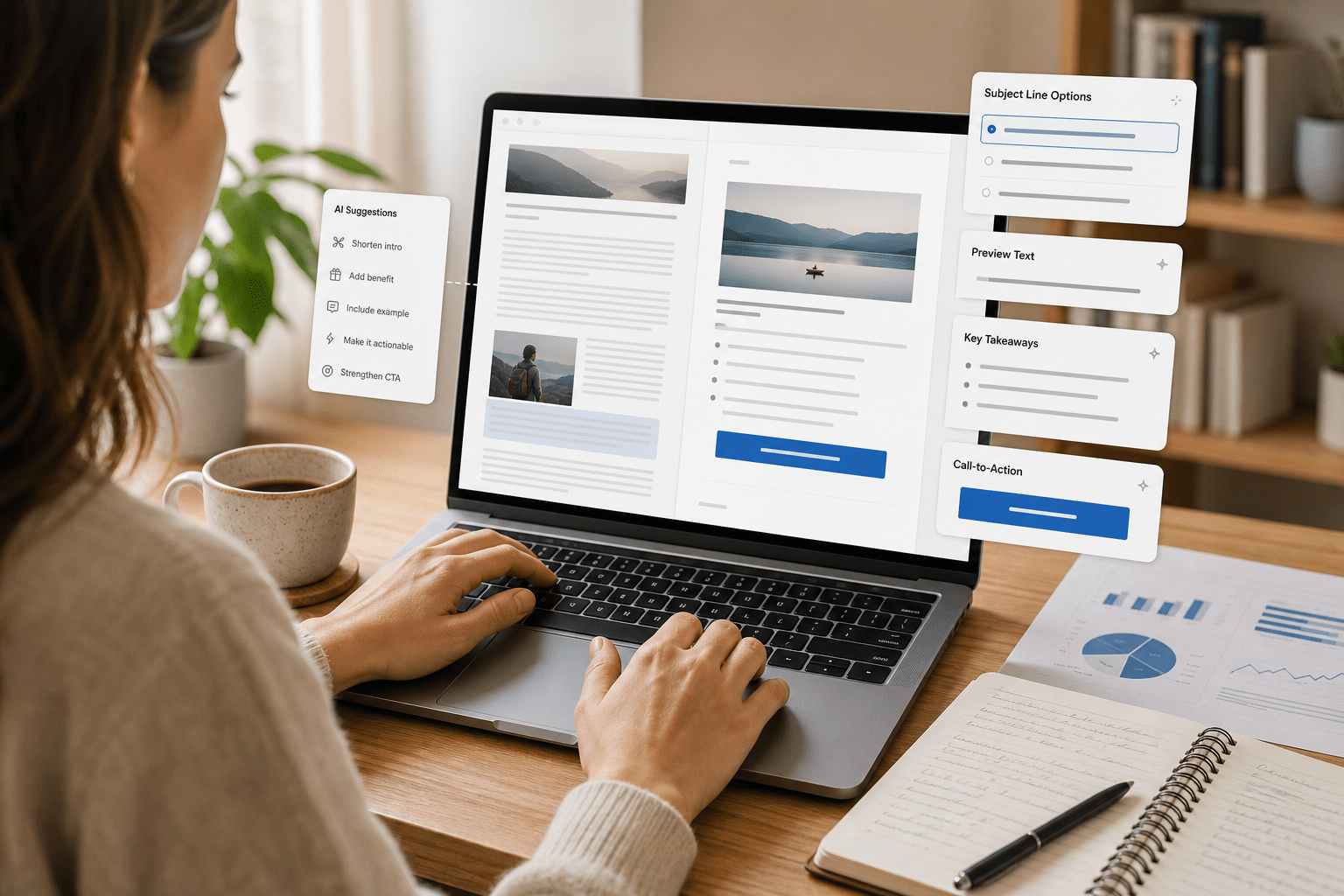
The lesson explains how to repurpose blog posts into email newsletters using AI. This guide forms part of Lesson 9: Turning Blog Posts into Email Newsletters. It covers the main differences between blogs and emails, including length, structure, tone, calls to action, and subject lines.
It also provides prompt examples and a sample transformation to show how AI can create shorter, more email-friendly copy. The lesson emphasizes reviewing and editing the output so it matches the writer’s voice and brand.
Lesson 9: Turning Blog Posts into Email Newsletters
Email newsletters are one of the easiest ways to get your content in front of people who already want to hear from you. In this lesson, you’ll learn how to use AI tools to turn existing blog posts into engaging email newsletters that people actually open and read.
How AI Can Help You Repurpose Blog Posts
Instead of writing newsletters from scratch, you can feed your blog posts into an AI tool and ask it to create an email-friendly version. AI can help you.

- Shorten long sections into skimmable copy.
- Highlight the main takeaway for busy readers.
- Suggest strong subject lines and preview text.
- Adapt your call to action (CTA) for email clicks.
- Create different versions for different audience segments.
Your job is to give the AI clear instructions and then edit the output so it still sounds like you.
What Changes from Blog to Email?
Blog posts and email newsletters have different jobs. Your blog post might educate, rank in search, or tell a longer story. Your email’s main job is to get opened and then get clicked.
Here are the key differences to keep in mind when using AI to transform a blog post into a newsletter:
- Length: Newsletters are usually shorter. Aim for a clear intro, 2–4 short sections, and a focused CTA. Let your blog post hold the full detail and depth.
- Structure: Use strong subheadings, short paragraphs, and bullet points. People scan emails more than they scan blog posts.
- Tone: Emails can feel slightly more personal and conversational (for example, using “you” and “I” more often).
- CTA (Call to Action): Every newsletter should point readers to 1 main action: read the full post, download something, register, or reply.
- Subject line & preview text: Blogs have titles; emails need subject lines and short preview text that make subscribers want to open.
Prompts for Turning Posts into Newsletters
When you prompt an AI tool, paste in your blog post (or key sections) and then give instructions like these. Adjust the details to match your audience and brand voice.
Prompt 1: Simple newsletter version
“You are an email marketing assistant. Turn the blog post below into a short email newsletter for my subscribers. Keep the tone professional but friendly. Include:
- A compelling subject line (up to 50 characters).
- An engaging preview text (up to 90 characters).
- A short introduction that hooks the reader.
- 2–3 concise bullet points summarizing key ideas.
- One clear call to action that encourages readers to click through to the full article.
Here is the blog post: [paste blog post here]”
Prompt 2: Version for a specific audience
“Using the blog post below, write an email newsletter aimed at [describe your audience, e.g., ‘freelance designers who struggle with marketing’]. Keep it under 350 words. Make it conversational, highlight the main pain point, and end with a CTA inviting them to read the full post.
Provide:
- 3 subject line options.
- 3 preview text options.
- The email body copy.
Here is the blog post: [paste blog post here]”
Sample Transformation
Original blog excerpt:
“Consistent content is the engine of your online presence. When you publish regularly, you stay top-of-mind with your audience, build trust, and create more opportunities for your work to be discovered. The challenge is finding a repeatable system so you don’t burn out.”
AI-generated newsletter version:
Subject line: A simple way to stay visible (without burning out)
Preview text: Try this repeatable system to show up consistently.
Email body:
Staying visible online shouldn’t require nonstop posting. The creators who win aren’t the ones who hustle the hardest—they’re the ones with a simple system they can stick to.
In my latest blog post, I break down a repeatable content workflow you can follow in just a few hours each week. You’ll learn how to:
- Plan content around your goals (not random ideas).
- Batch your creative work so it feels lighter.
- Repurpose posts across platforms without sounding repetitive.
If you’re ready to stay top-of-mind without burning out, click below to read the full post.
Call to action: Read the full workflow here → [link to blog post]
Key Takeaways
- Use AI to quickly turn blog posts into shorter, more focused newsletters.
- Remember the key differences between blogs and emails: length, structure, tone, CTA, and subject lines.
- Give AI clear prompts that specify your audience, voice, and desired outcome.
- Always review and lightly edit AI-generated emails so they sound like you and fit your brand.



Leave a Reply